
Settings & billing
Manage plan, notifications, branding, imports, security, and salon settings screens.
- 9 guides
- Reviewed regularly
Start here
Manage plan and billing
Open Settings → Billing to review your plan, add-ons, invoices, and payment actions.
Configure email notifications
Set customer and internal email preferences under Settings → Notifications, then send a test.
Customize branding and theme
Open Settings → Branding (Pro+) to set theme, colors, logo, and surfaces for your public booking look.
Plan & money
2 guides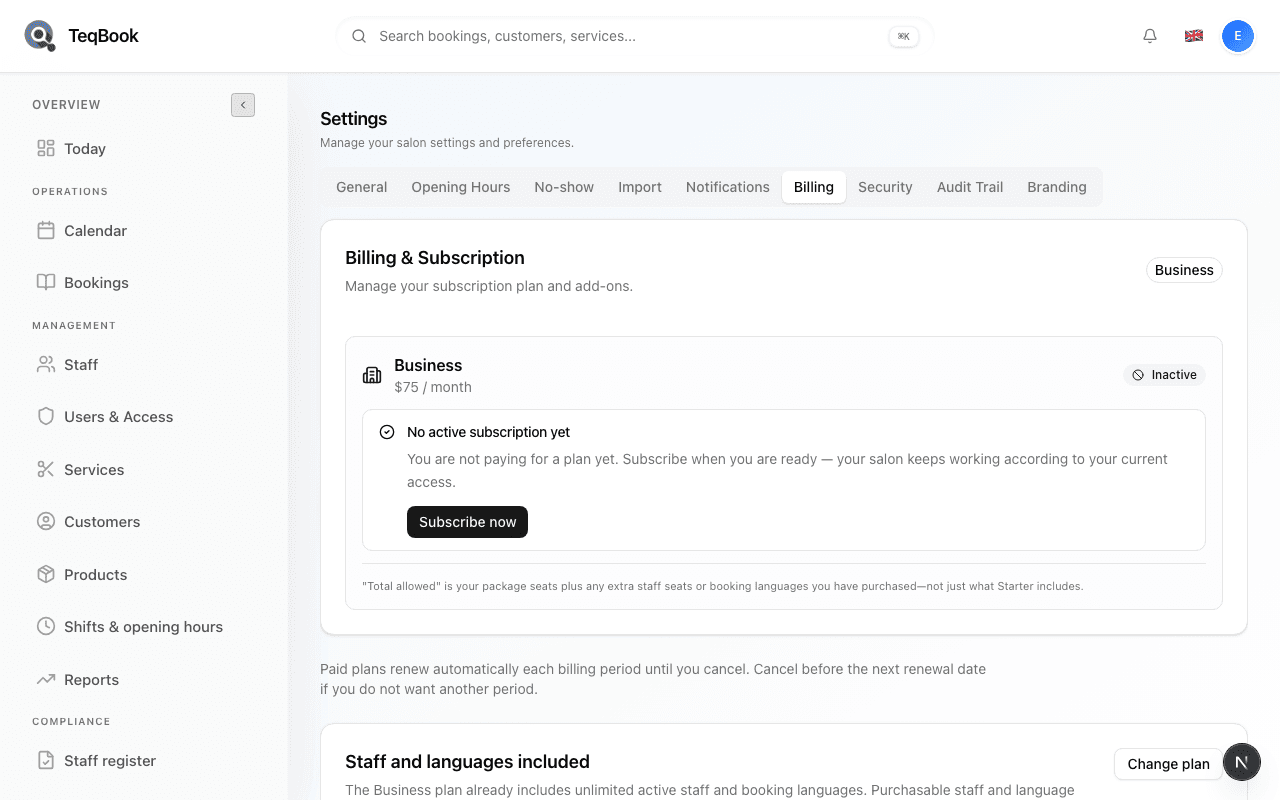
Communications & risk
2 guides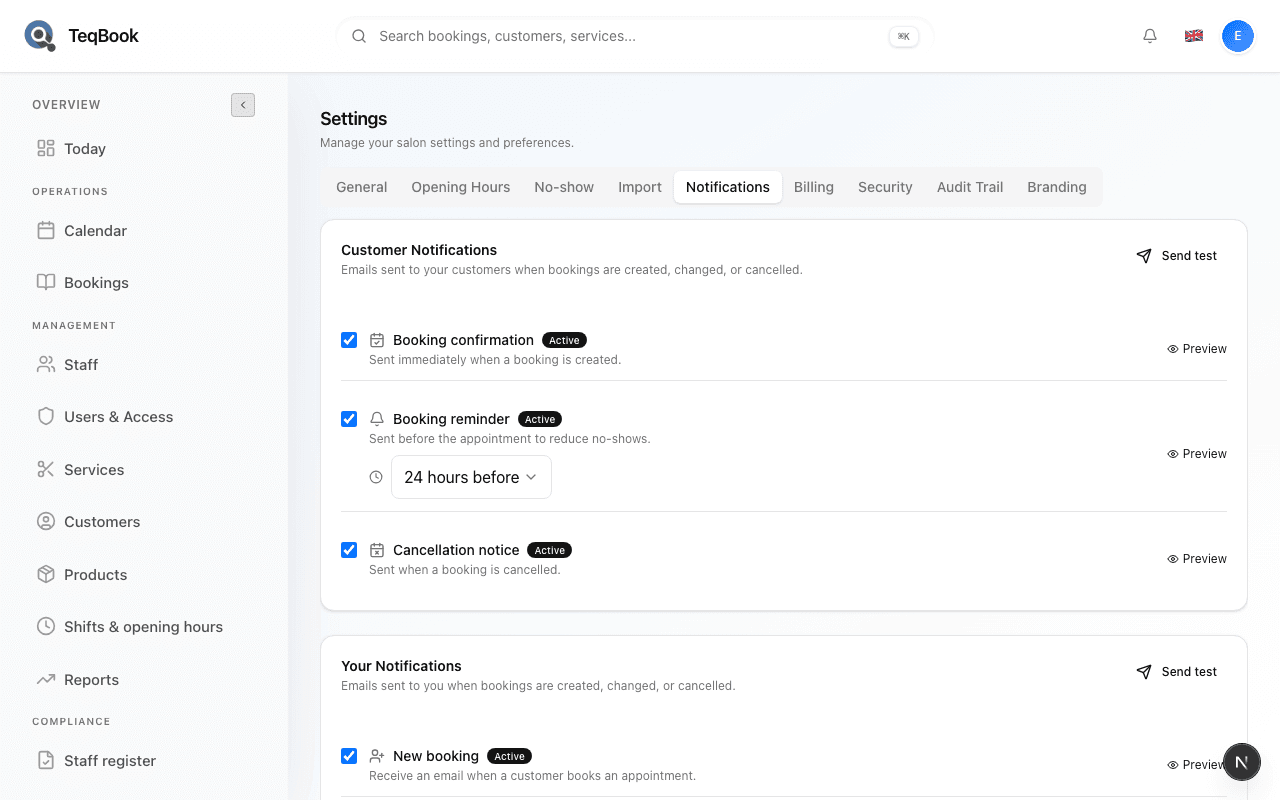
Data & hours
2 guides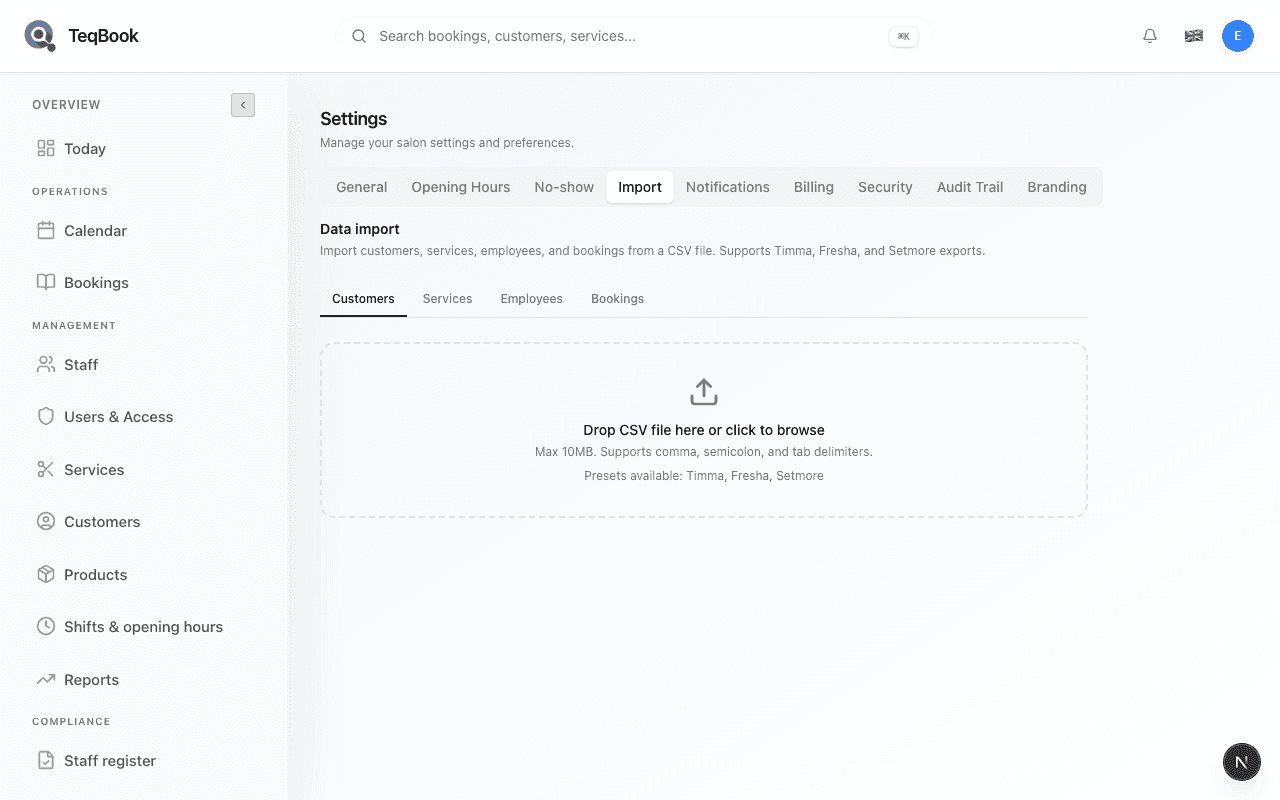
Import salon data from CSV
Use Settings → Import (Pro+) for the multi-entity CSV wizard — Customers, Services, Employees, Bookings.
4 min · Updated Jul 22, 2026
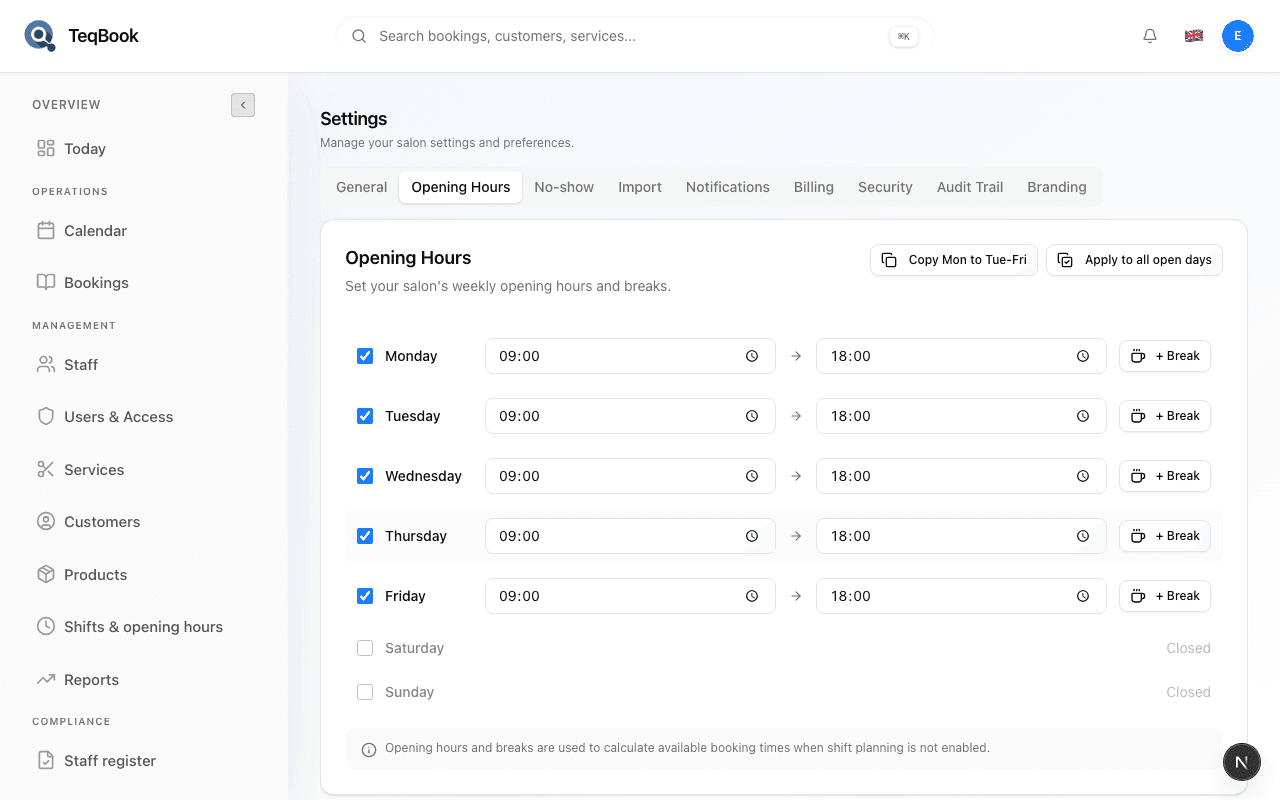
Set closures and holiday hours
Add Upcoming closures under Settings → Opening Hours so bookings are blocked on closed dates.
4 min · Updated Jul 22, 2026
Appearance & account
3 guidesCustomize branding and theme
Open Settings → Branding (Pro+) to set theme, colors, logo, and surfaces for your public booking look.
4 min · Updated Jul 22, 2026
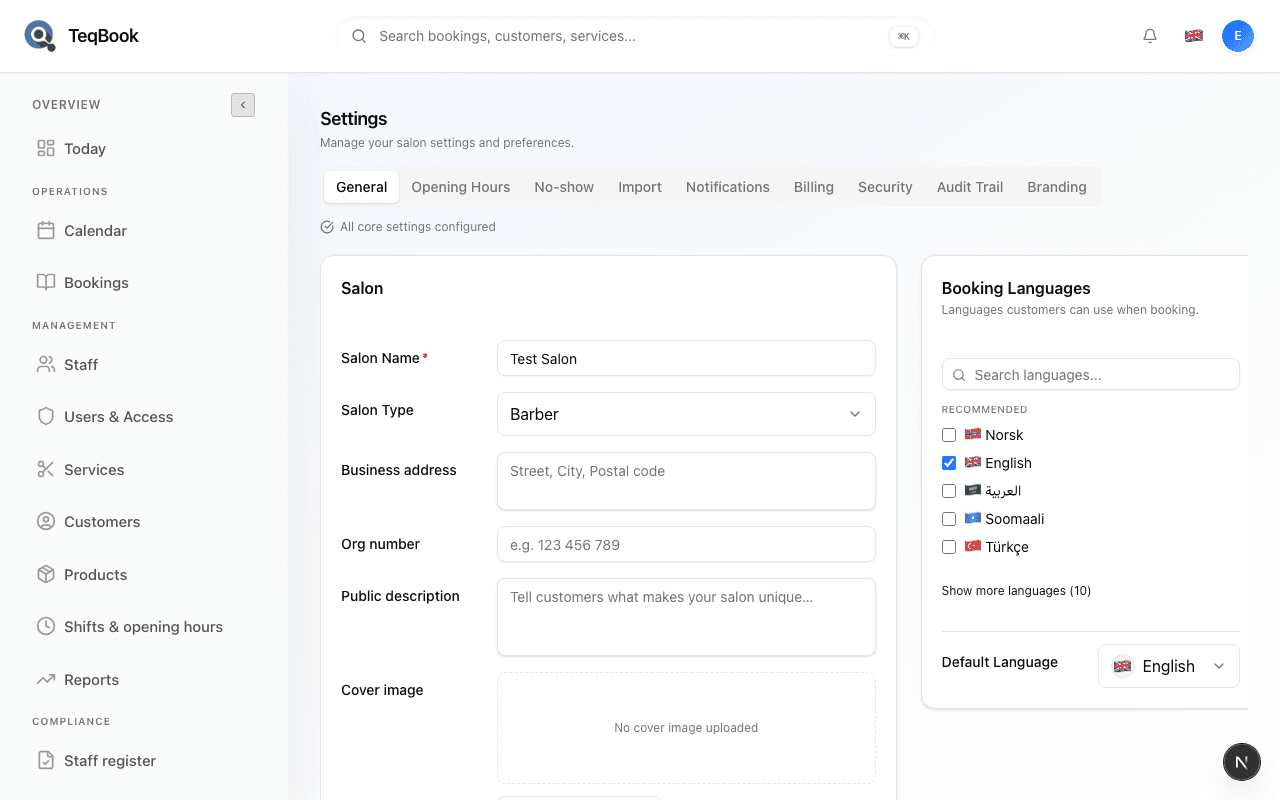
Set regional salon defaults
Set Currency, Salon Timezone, and Time format under Settings → General localization.
4 min · Updated Jul 22, 2026
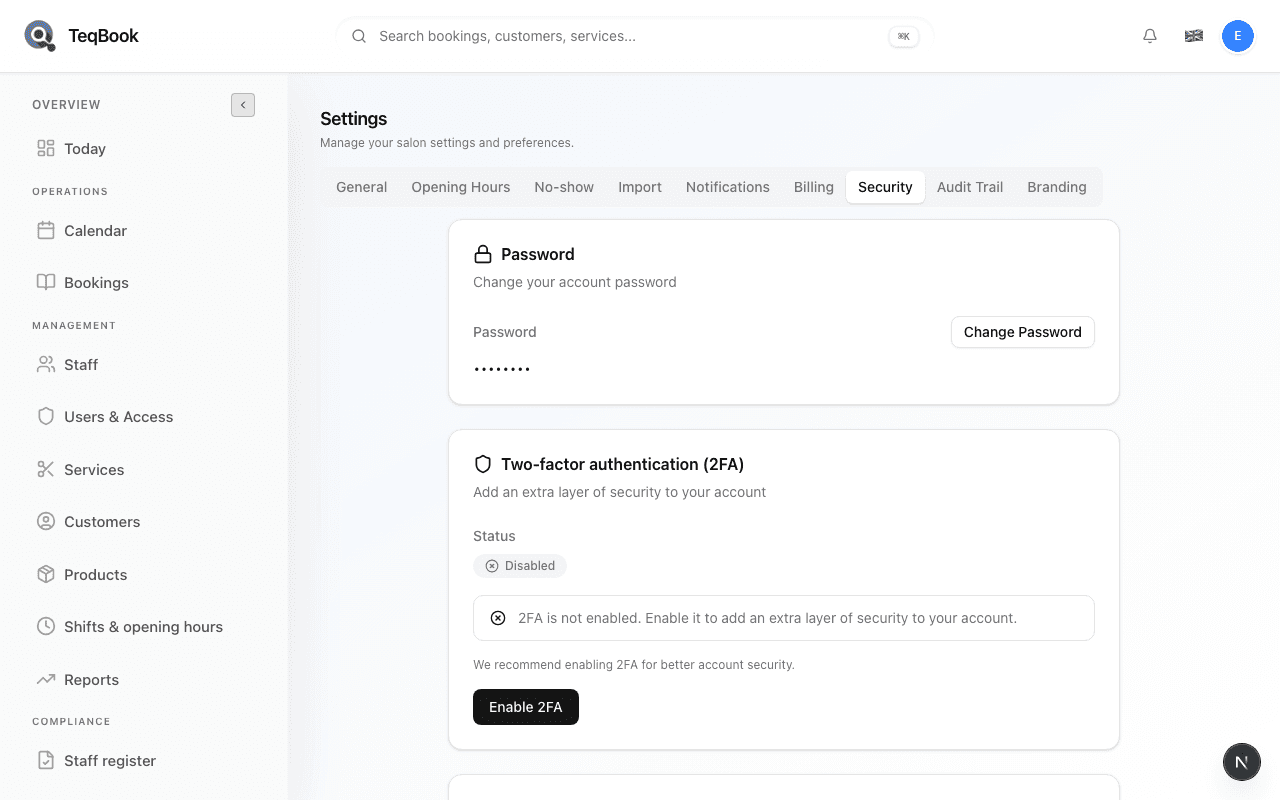
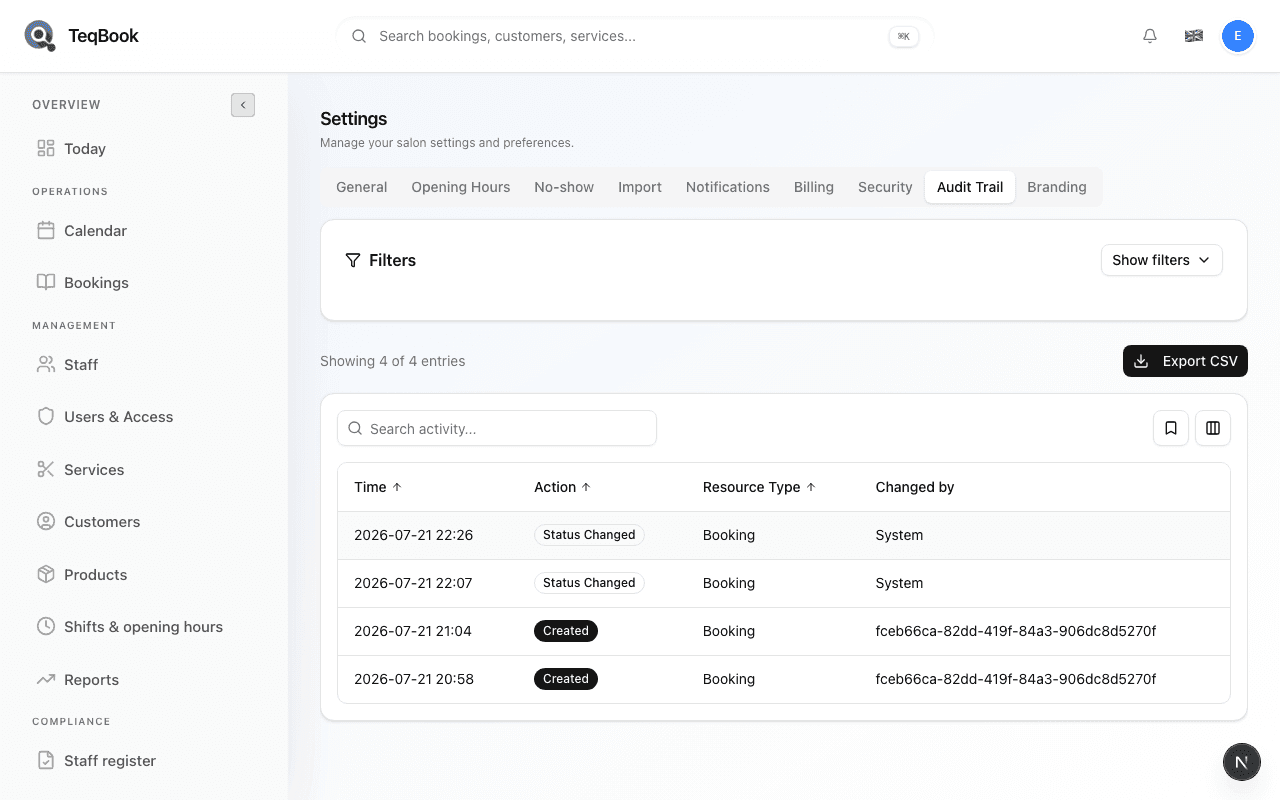
Manage account security
Enable 2FA, review sessions, and change password under Settings → Security.
4 min · Updated Jul 22, 2026
Related topics
Still need a hand?
Tell us what you’re trying to do. We’re happy to help you personally.
Contact support